Blog Summary
This educational guide explains the concept of Keyword Match Type in Google Ads, including Exact Match, Phrase Match, and Broad Match. You’ll learn how each match type works, how it impacts ad performance, and how to choose the right one. Includes examples using [ ], ” ” and broad formats — plus a link to a free tool that instantly generates all three match types.
What Is the Keyword Match Type in Google Ads?
When you run Google Ads, selecting good keywords is only half the job. To ensure your ads appear for the right searches, you need to understand Keyword Match Type, a setting that controls how close a user’s search query must be to your keyword before Google shows your ad.
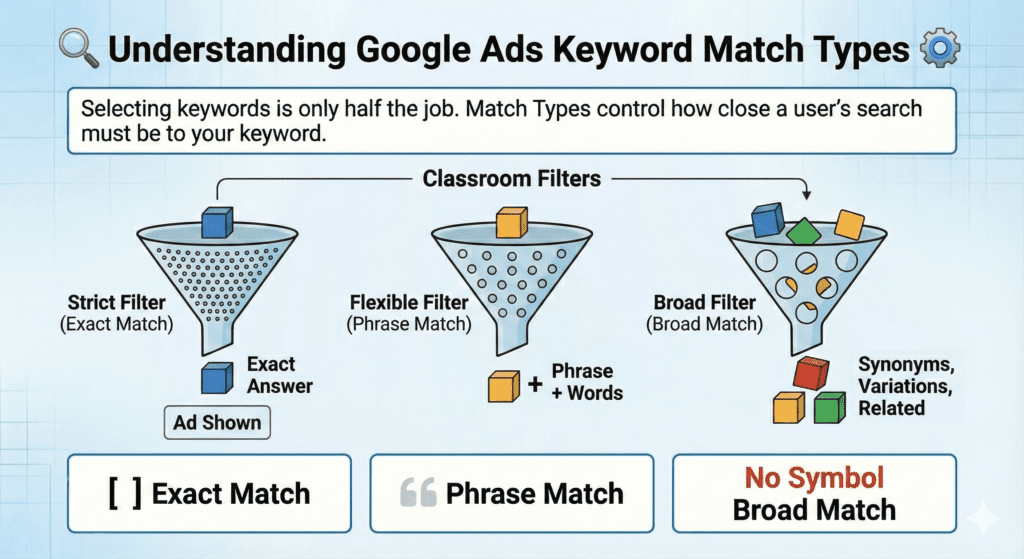
Think of match types as classroom filters:
- Some filters are strict (only specific answers allowed).
- Some are slightly flexible.
- Some allow very broad, open-ended answers.
These filters in Google Ads are called:
- Exact Match
- Phrase Match
- Broad Match
Let’s explore each one in a clear, student-friendly way.
1. Exact Match – The Most Controlled Match Type
Notation: [keyword]
Exact Match tells Google to show your ad only when the search query matches the meaning of your keyword very closely.
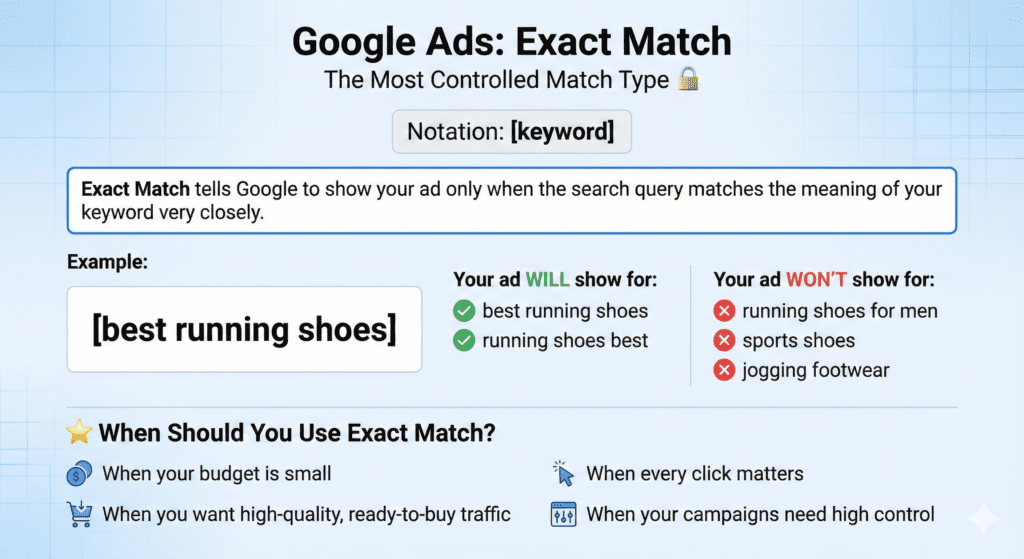
Example:
Keyword: [best running shoes]
Your ad will show for queries like:
- best running shoes
- running shoes best
But it won’t show for:
- running shoes for men
- sports shoes
- jogging footwear
When Should You Use Exact Match?
- When your budget is small
- When you want high-quality, ready-to-buy traffic
- When every click matters
- When your campaigns need high control
2. Phrase Match – Balanced & Intent-Focused
Notation: “keyword”
Phrase Match allows your ad to show when a user’s search includes the meaning of your keyword, with additional words before or after.
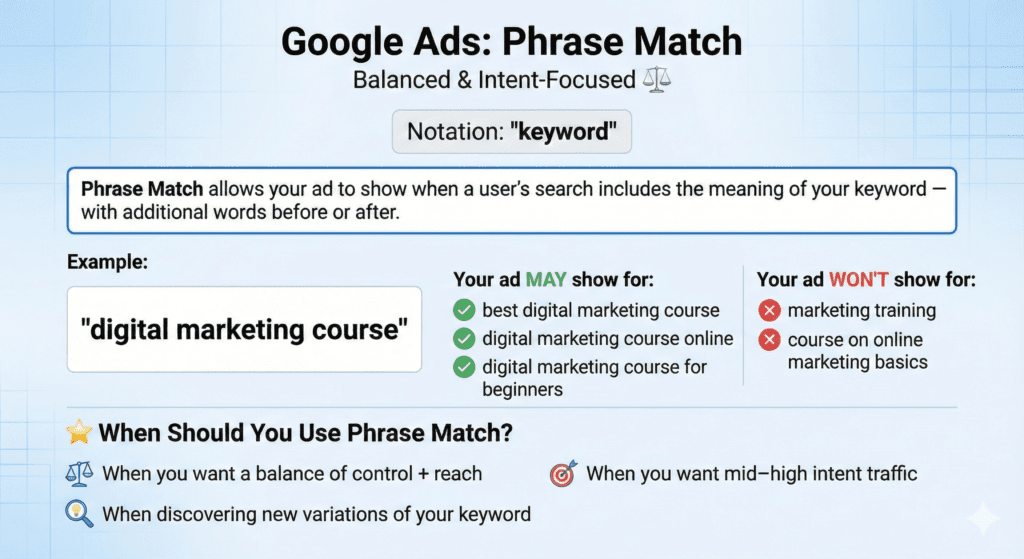
Example:
Keyword: “digital marketing course”
Your ad may show for:
- best digital marketing course
- digital marketing course online
- digital marketing course for beginners
But NOT for:
- marketing training
- course on online marketing basics
When Should You Use Phrase Match?
- When you want a balance of control + reach
- When discovering new variations of your keyword
- When you want mid–high intent traffic
3. Broad Match – The Widest, Intent-Based Match Type
Notation: keyword (no symbols)
Broad Match gives Google the freedom to show your ads to related searches, synonyms, variations, and intent-based keywords.
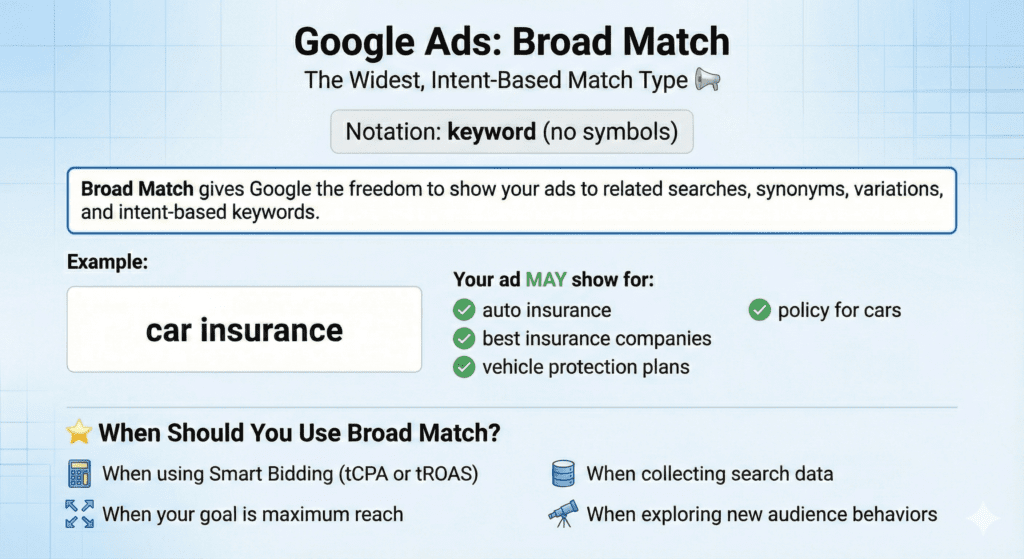
Example:
Keyword: car insurance
Google may show your ad for:
- auto insurance
- best insurance companies
- vehicle protection plans
- policy for cars
When Should You Use Broad Match?
- When using Smart Bidding (tCPA or tROAS)
- When your goal is maximum reach
- When collecting search data
- When exploring new audience behaviours
Comparison Table — Which Match Type Should You Choose?
| Match Type | Reach | Control | Relevance | CPC | Best For |
| Exact [ ] | Low | High | Very High | Low–Medium | High-intent leads |
| Phrase “ ” | Medium | Medium | High | Medium | General targeting |
| Broad | High | Low | Medium | High (if unmanaged) | Discovery & scaling |
How to Choose the Right Keyword Match Type (Educational Strategy)
For beginners:
Start with Phrase Match → It offers the safest balance.
For lead generation:
Use Exact Match + Phrase Match.
For large-scale growth:
Use Broad Match + smart bidding + strong negatives.
For research:
Use Broad Match to discover new keywords via the Search Terms Report.
Use the Google keyword planner tool to do the keyword research.
Want to Generate All Match Types Instantly?
Manually adding [ ], ” “, and broad formats for dozens of keywords can be time-consuming.
So I built an easy, one-click tool:
👉 Free Keyword Match Type Tool for Google Ads
https://mohitbhadana.in/free-keyword-match-type-tools-for-google-ads/
Just paste your keyword → Get Exact, Phrase, and Broad instantly.
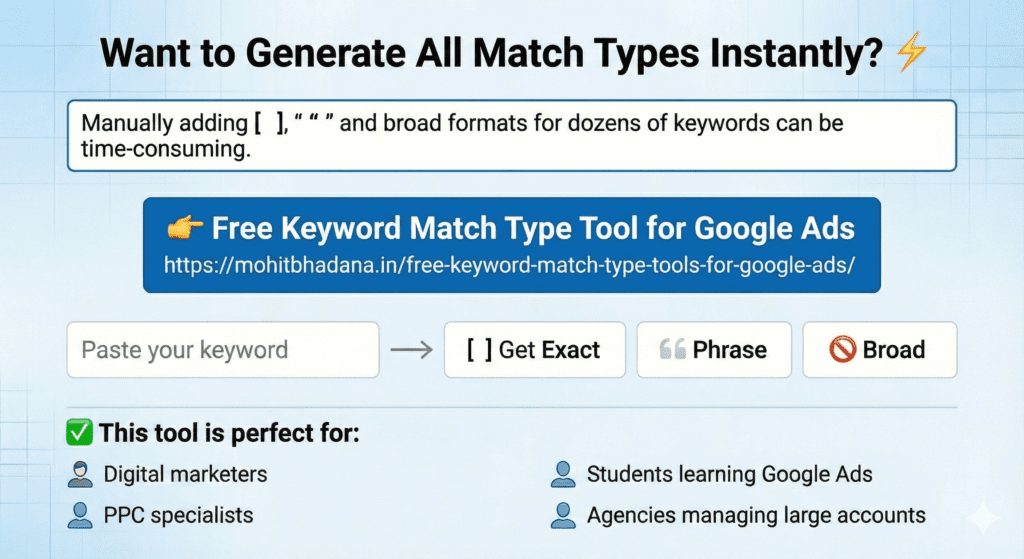
This tool is perfect for:
✔️ Digital marketers
✔️ PPC specialists
✔️ Students learning Google Ads
✔️ Agencies managing large accounts
Real-Life Examples to Make It Even Clearer
Example Keyword: digital marketing course
| Match Type | Example Input | Search Queries Triggered |
| Exact Match | [digital marketing course] | digital marketing course |
| Phrase Match | “digital marketing course” | best digital marketing course, online digital marketing course |
| Broad Match | digital marketing course | marketing course online, learn digital skills |
Pro Tip: Always Use Negative Keywords
Negative keywords prevent irrelevant clicks.
Example:
Keyword: “digital marketing course”
Negative keyword: free
This blocks searches like:
- free digital marketing course
- digital marketing course free certification
Result: better leads, less wastage.
Conclusion
Understanding Keyword Match Types in Google Ads is essential for building smarter, more cost-efficient campaigns. By mastering Exact Match, Phrase Match, and Broad Match, you’ll:
✔️ Spend your budget wisely
✔️ reach the right audience
✔️ improve conversions
✔️ reduce irrelevant clicks
And to make your workflow smoother, don’t forget to use:
👉 Free Keyword Match Type Generator
https://mohitbhadana.in/free-keyword-match-type-tools-for-google-ads/
FAQs
1. What is a keyword match type in Google Ads?
It’s a setting that determines how closely a user’s search must match your keyword for your ad to appear.
2. What is Exact Match?
Exact Match [keyword] triggers ads only when the search closely matches the keyword’s meaning.
3. What is Phrase Match?
Phrase Match “keyword” shows ads when the search includes the meaning of your keyword with extra words before or after.
4. What is Broad Match?
Broad Match triggers ads for related terms, synonyms, and intent-based searches.
5. Which match type is best for beginners?
Phrase Match — because it’s balanced and safer.
6. Do I need negative keywords?
Yes! Negative keywords prevent irrelevant traffic and save budget.
Want to Learn more about Google Ads? Check the Google Ads mindmap on My Digital Marketing Notes

Digital Marketing Strategist , Consultant & Trainer